Download Satellite Images ASTER from Reverb
To download the ASTER images you must enter the following website: https://reverb.echo.nasa.gov/reverb/, Remember that before you start with the image process you must login:nn nnOnce entered into the system, we select ASTER in the SearchTerms box and the dates on which we want to search for the images, as well as the rectangle from where we need the images:nn
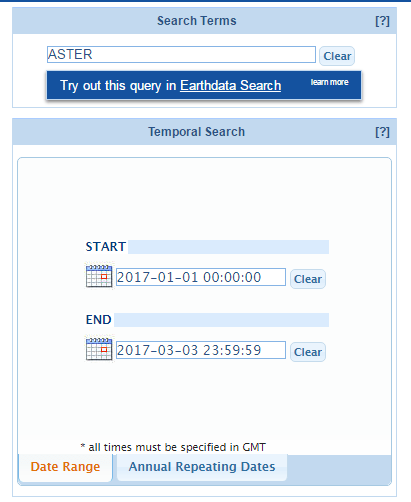 nn
nn nnSelect the file we need, in this case the digital elevation model, as shown in the following figure:nn
 nnAfter the selection, you should click on the “Search for Granules” button, where a summary of the selected data will appear, in our case:nn
 nnNote: If you don’t see any results, try changing the dates you’re looking for images.nnNow we select the satellite images we need (you’ll see that the cart changes color)nn
 Once selected, click on the “View items in cart” option, then we will see the following:nnn
 nnIn this option we will select the “Order” option that will send the data to our mail (mail from the registered user), under this option we will see the following window:nn
 nnClick on “Submit Order” and we will finally get the following window:nn
 After this procedure we will receive a couple of emails that will let us know how our order is going and will finally send us the data of the ftp where our information is located.